Kanban pipeline
The kanban board on Projects shows every active application across 6 columns. Drag a card right as you advance the bid through your internal process.
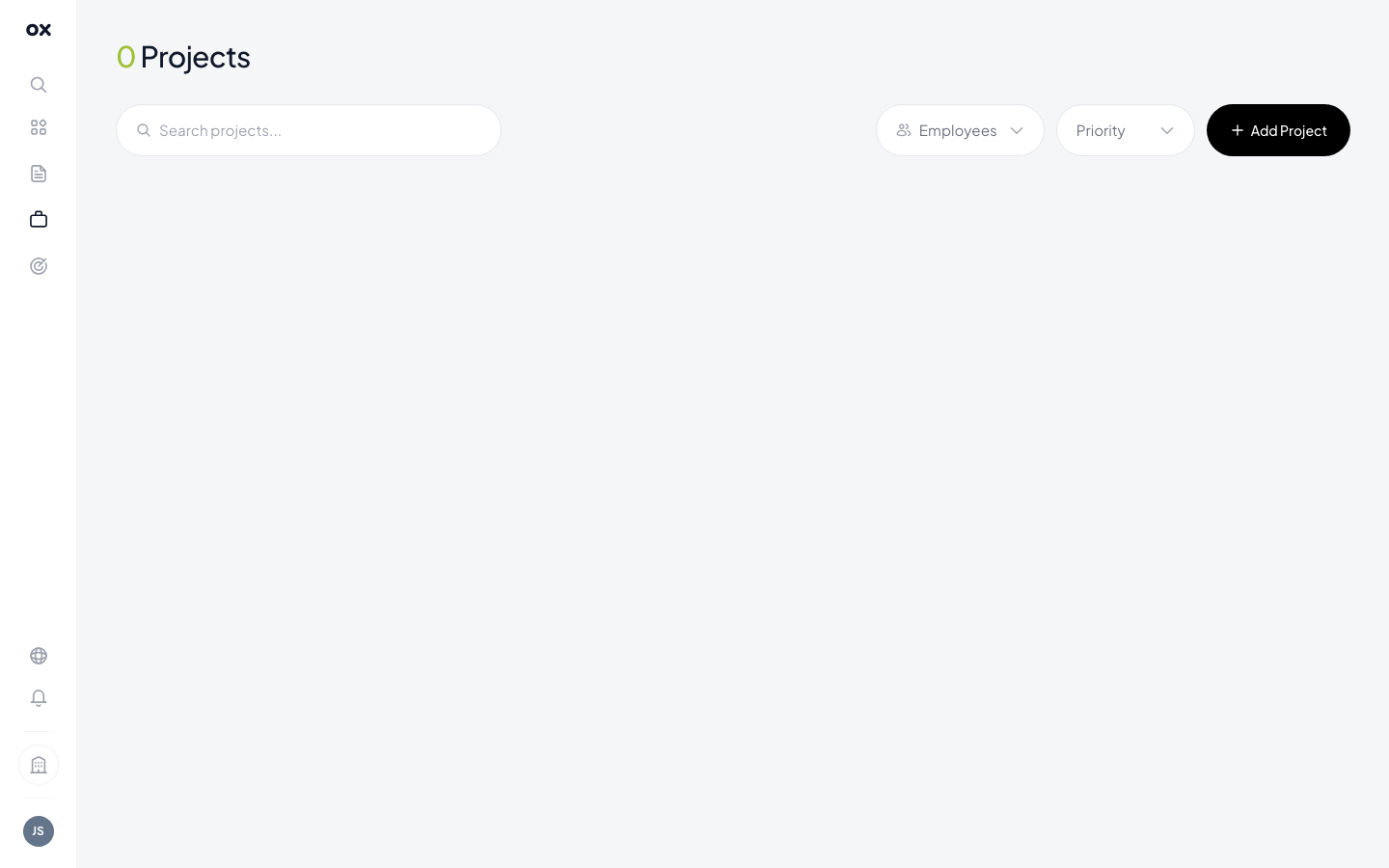
Default stages
Otnox ships with 6 stages out of the box (you can rename / reorder / delete them — see below):
- New / Found — tender identified as potentially relevant, needs initial review.
- Evaluating — team reviewing requirements, fit and capacity.
- Preparing application — proposal being written, documents gathered.
- Submitted — bid sent to the contracting authority.
- Won — contract awarded to your company.
- Lost — contract awarded to a competitor (or no-bid decision).
Using the board
- Drag and drop any card between columns to change its stage.
- Click a card to open the right-side detail panel with notes, linked tender, assignee, files.
- Card colour softly indicates urgency — cards approaching the submission deadline get a red ring.
Customising stages
You can rename, add, remove or reorder stages per workspace:
- Open Settings → Pipeline stages.
- Click + Add stage, type a name, pick a colour.
- Drag rows to reorder.
- To delete: click the trash icon. The system blocks deletion if any cards are still in that stage.
- Click Save.
The new layout reflects across the entire board for every workspace member.
Card counts
Each column header shows the number of cards in that stage. Useful to spot bottlenecks at a glance — if Evaluating is twice the size of Preparing application, you've got a triage problem.
tip
Keep 5–8 stages. Fewer means low granularity; more leads to cards getting stuck in ambiguous states. The default 6 cover most procurement teams.